Interface Design Features Linked to Increased Form Completion in Digital Entertainment Offers
Greta Albrecht · Jul 15, 2026

Interface Design Features Linked to Increased Form Completion in Digital Entertainment Offers
Digital entertainment platforms rely on entry forms that guide users through registration sequences, and certain interface elements consistently correlate with higher completion rates across multiple studies. Researchers tracking user behavior in 2025 noted that platforms incorporating structured layouts achieved completion increases ranging from 15 to 28 percent compared with cluttered alternatives, according to data compiled by the Interactive Advertising Bureau.
Progress Indicators and Sequential Guidance
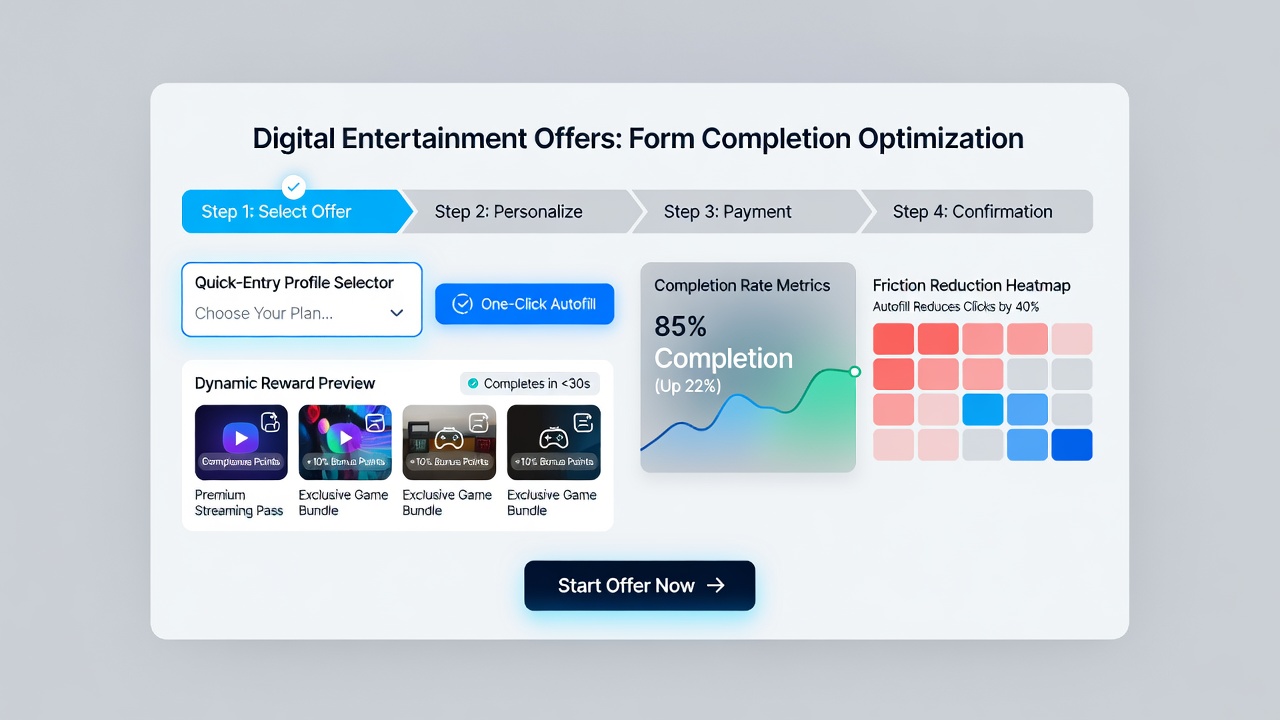
Forms that display visual progress bars or step counters help users anticipate remaining actions, which reduces abandonment during extended sequences. Data from platform analytics in mid-2025 showed that entertainment offers using numbered stages retained 22 percent more participants through the final submission than single-page layouts without such markers. Observers note that these indicators work best when paired with clear labels that update dynamically as each section advances, allowing users to track position without mental calculation.
Minimized Field Requirements and Smart Defaults
Reducing mandatory inputs to essential details while pre-filling known information through device integration leads to measurable gains in completion volume. A report issued by the Canadian Radio-television and Telecommunications Commission in July 2026 highlighted that entertainment services applying auto-population for location and contact fields recorded average completion times shortened by 34 seconds per user. Those same platforms also implemented conditional fields that appear only when prior answers require additional data, preventing unnecessary scrolling on smaller screens.
Trust Signals and Security Cues
Placement of verification badges, encryption notices, and recognizable payment processor logos near sensitive fields correlates with lower exit rates at confirmation stages. Industry analyses from the Digital Advertising Alliance indicate that offers displaying these elements within the first two form sections maintain session continuity 19 percent longer than those introducing them only at the end. Users who encounter repeated reassurances about data handling tend to proceed without hesitation, particularly when the cues remain visible without requiring additional clicks.
Responsive Layouts and Touch Optimization
Interfaces that adapt spacing, button size, and input zones for mobile devices show stronger retention across age demographics. Figures released by the Australian Competition and Consumer Commission in early 2026 revealed that entertainment portals optimized for thumb navigation completed 27 percent more submissions on smartphones than desktop-first designs. Researchers emphasize that generous tap targets combined with inline validation messages prevent the frustration that arises when users must zoom or reposition elements repeatedly.
Platforms that tested both portrait and landscape orientations found that fixed header elements displaying remaining steps helped maintain focus even when users rotated devices mid-process. This consistency across orientations supports uninterrupted flow, especially during longer entry sequences that involve multiple verification steps.
Error Handling and Real-Time Feedback
Immediate inline notifications that identify formatting issues without clearing the entire screen reduce repeated attempts and subsequent drop-offs. Studies conducted by academic teams at the University of Melbourne documented that forms providing contextual suggestions alongside error flags retained 31 percent more users through submission compared with those using generic pop-up alerts. Designers who integrate these messages in the same visual hierarchy as input fields create a seamless correction experience rather than a disruptive interruption.
Conclusion
Interface elements such as progress visualization, reduced field counts, trust indicators, responsive touch targets, and responsive error messaging demonstrate consistent associations with elevated completion rates in digital entertainment offers. Reports from regulatory bodies and industry groups continue to track how these features perform across regions and device types, providing ongoing reference points for platform adjustments. As new data emerges from ongoing monitoring programs, patterns in user interaction remain central to refining these design approaches.